




The short answer
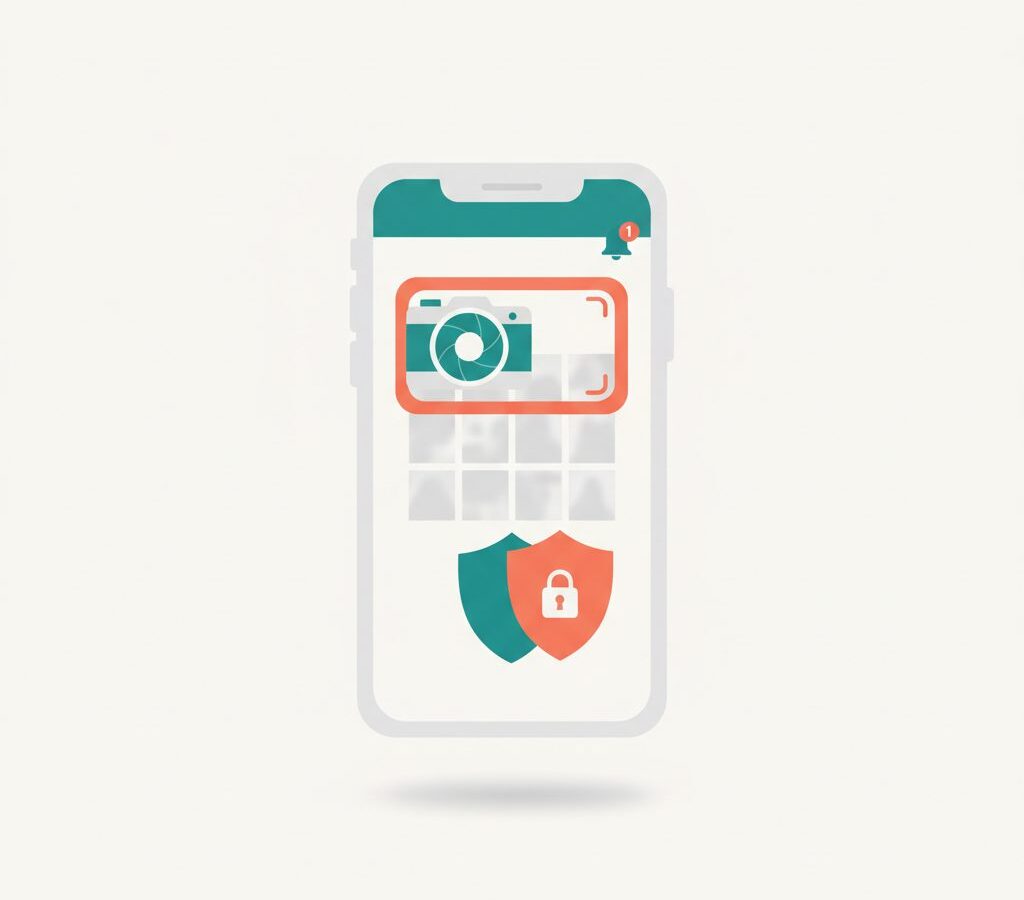
Instagram does not notify people when you screenshot their Stories, feed posts, or Reels. It also does not notify them when you screenshot a regular conversation in your DMs. The one situation where a notification does fire is when you screenshot a disappearing photo or video — the kind sent with the “View Once” option in a direct message. In that case, the sender sees a small alert in the conversation.
That’s the full picture, and it hasn’t changed since Instagram quietly dropped Story screenshot notifications back in 2018. But because this comes up constantly, it’s worth walking through each scenario clearly.
Screenshotting Stories and posts
When someone shares a Story — whether it’s a photo, a video, a boomerang, or a poll — you can screenshot it without them knowing. Instagram does not send any notification. The same applies to feed posts: photos, carousels, and text posts shared to someone’s main grid. No alert, no indicator, nothing.
For a brief period in 2018, Instagram tested Story screenshot notifications. The feature appeared in a limited rollout and caused a fair amount of anxiety at the time. Instagram pulled it before it fully launched, and it has not returned. The current policy, confirmed in Instagram’s own Help Center, is that Stories and posts generate no screenshot alerts.
This means that if you screenshot a Story to save a recipe, a flyer for an event, or someone’s contact details, the poster has no way to know through Instagram itself. Third-party analytics tools sometimes claim to track this kind of thing, but Instagram’s API does not expose screenshot data — those claims are not reliable.
Screenshotting disappearing (view-once) media in DMs
This is the one case where Instagram does notify the other person, and it’s worth being specific about what triggers it.
When someone sends you a photo or video in a direct message and chooses the “View Once” option, that media is designed to be seen once and then disappear. If you take a screenshot while viewing it, Instagram sends the sender a notification. Inside the conversation thread, they’ll also see a label indicating that you took a screenshot of the disappearing media.
The same applies if you attempt a screen recording of view-once content — Instagram blocks screen recording on view-once media on most devices, and may also send a notification if the attempt is detected.
- The notification only applies to View Once media. A regular photo or video sent in a DM without any disappearing setting does not trigger an alert when screenshotted.
- View Once is a sender-side choice. The person sending the media has to actively select this option for the protection to apply.
- The notification is sent immediately when you take the screenshot — there is no grace period.
Screenshotting Reels, profiles and regular DMs
Reels are fully safe to screenshot without any notification going out. Whether it’s a short video from someone you follow or a Reel that appeared in your Explore feed, the creator gets no alert.
Profile pages are the same. If you screenshot someone’s profile — their bio, follower count, or pinned posts — they won’t know. This also applies to screenshotting someone’s follower list or the accounts they follow.
Regular direct messages, meaning text conversations or media sent without the View Once setting, do not generate screenshot notifications either. You can screenshot a conversation, a photo someone sent you normally, or a voice message transcript, and none of it will alert the other person through Instagram.
For more background on how Instagram handles privacy across its features, the Tech & Apps section covers related topics including DM privacy and account settings.
How to check before you screenshot
Instagram’s policies are not permanently fixed. The platform has added, removed, and modified notification behaviors before — the 2018 Story screenshot test is the clearest example. If you want to be certain before screenshotting something sensitive, here are a few practical steps:
- Check the Instagram Help Center directly. The Privacy and Safety Center at help.instagram.com covers what notifications are sent for various actions. This is the most authoritative source and is updated when policies change.
- Look for View Once indicators. In a DM, View Once photos and videos are clearly marked before you open them. If you see these markers, assume a screenshot will be noticed.
- Test with a secondary account. If you genuinely need to verify current behavior, create a second account and send yourself test content. Screenshot it and check whether a notification appears. This reflects the app’s actual current behavior on your device and app version.
- Keep your app updated. Notification behaviors sometimes change between app versions.
The bottom line
Instagram’s screenshot notification system is narrower than most people assume. The app is silent in the vast majority of situations. Stories, feed posts, Reels, regular DMs, and profile pages all generate no notification when screenshotted. The only genuine exception is disappearing View Once photos and videos sent through direct messages — screenshot those, and the sender will know.
The safest general rule: if the content is labeled as disappearing or view-once, treat any screenshot as visible to the sender. Everything else is yours to capture quietly. For the latest official confirmation, Instagram’s Help Center remains the best reference, particularly if you’re reading this well after publication.